Taking control of your digital media is a massive project. Over the past couple of months, we have covered everything from choosing hardware and ripping Blu-rays to organizing metadata and calculating hard drive space. Looking back at the entire process, there are definitely a few core takeaways and lessons I learned building my own Plex server.
Creating a personal streaming service is incredibly rewarding, but the process has a bit of a learning curve. If you are just starting your journey into home media curation, here is a transparent look at the reality of the process and what to keep in mind so you can get things right the first time.
The Plex Server Series
Catch up on our complete guide to taking back your media collection and building the ultimate home streaming setup.
- Why I’m Building a Plex Server for My Movie and TV Collection
- What Is Plex and Why Would You Use It?
- What You Need to Set Up a Plex Server at Home
- How to Rip DVDs for a Plex Server
- How to Rip Blu-rays for a Plex Server
- How to Rip CDs for a Digital Music Library
- How to Organize Movies and TV Shows for Plex
- The Best Plex Settings for a Home Media Library
- How Much Storage Do You Need for a Plex Server?
The Reality of Storage Needs
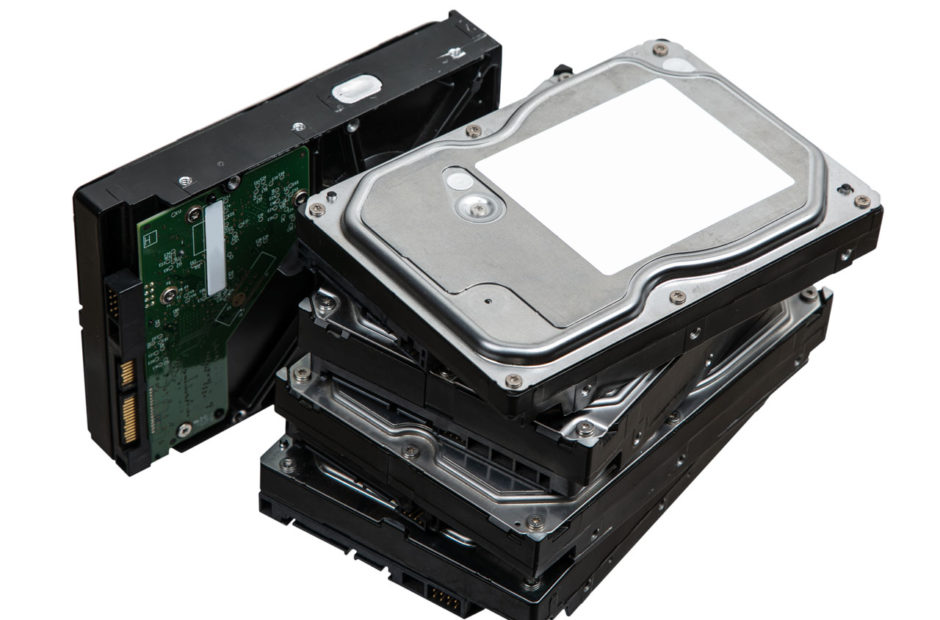
The most common trap for beginners is buying a small hard drive because it seems like enough space on paper. However, once you experience the pristine video quality of an uncompressed Blu-ray rip, it becomes very difficult to go back to highly compressed files. High quality files eat up terabytes faster than you might expect.
A major takeaway from this build is the importance of planning for expansion. It is always a good idea to invest in a larger external enclosure or a multi-bay Network Attached Storage device right out of the gate. You want a setup that allows for seamless storage expansion, rather than one that forces you to delete older movies to make room for new ones.
File Naming Rules Cannot Be Ignored
When digitizing a collection, it is tempting to be casual with file names and assume the software will just figure it out. That is a quick way to break a library.
Plex requires strict formatting, particularly the “S01E01” format for television shows. If there is one piece of advice to take away from this series, it is that learning to format your files perfectly from the very beginning will save you hours of frustrating cleanup. Using automated tools like FileBot is practically mandatory if you are backing up entire television series.
The Power of Plexamp
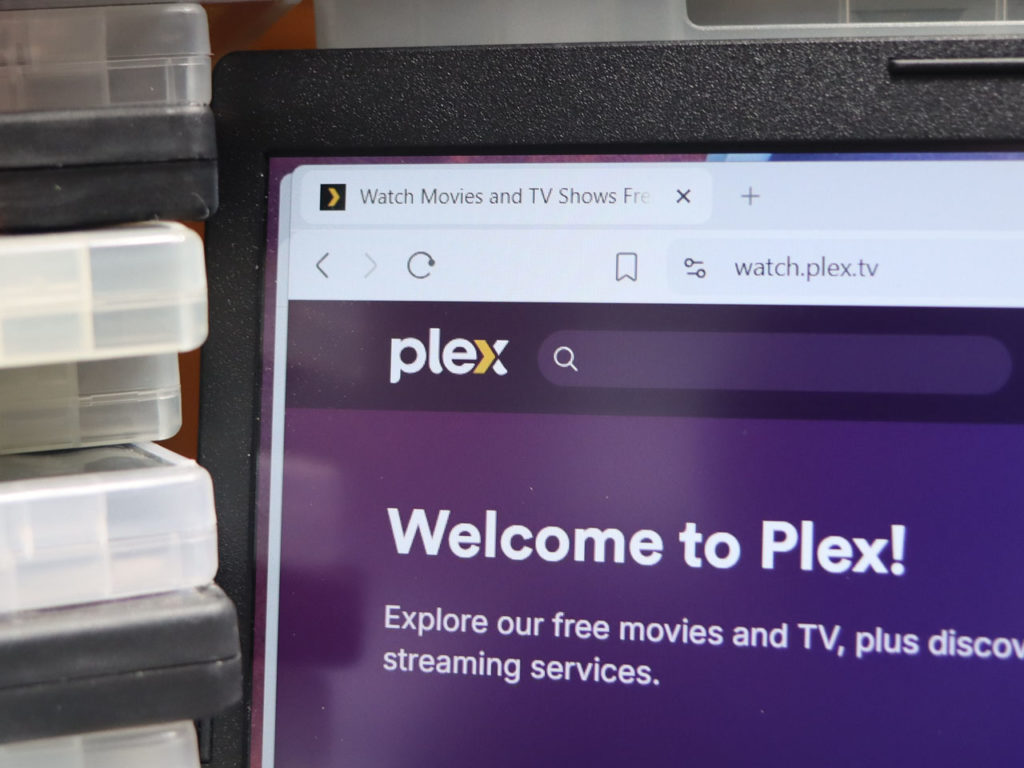
While the video capabilities of Plex are the main draw, the audio side of the software is phenomenal. Ripping CDs and setting up a digital music library provides a massive boost to the overall value of the server.
The dedicated Plexamp application delivers a premium mobile experience using your own high-quality, lossless FLAC files. Having uncompressed audio quality while driving or working out is one of the absolute best features of the entire ecosystem.
Finding a Community
Building a server might sound like a solitary IT project, but there is a massive community of enthusiasts who are incredibly eager to help troubleshoot issues. Places like the Plex Subreddit are invaluable resources when you encounter a weird playback bug, need advice on upgrading your hardware, or just want to see how other people organize their libraries.
Final Thoughts
Building a Plex server requires an upfront investment of time and money, but the payoff is astronomical. You no longer have to worry about streaming platforms raising their prices, deleting your favorite shows, or dropping their video quality during peak internet hours. You own your media again, and it is beautifully organized exactly the way you want it.
If you have been following along with this series on The Nerdy, I highly encourage you to take the plunge. Grab an old computer, buy a hard drive, and rip a few of your favorite discs. Once you see your own personal library light up on your television screen for the very first time, you will never want to rely on a streaming subscription again.