In the first part of this series, we talked about the frustrations of modern streaming and why creating a personal media archive is the ultimate solution. However, before we start buying hard drives or ripping Blu-rays, we need to take a step back and answer the most important question for beginners. Exactly what is Plex, and how does it actually work?
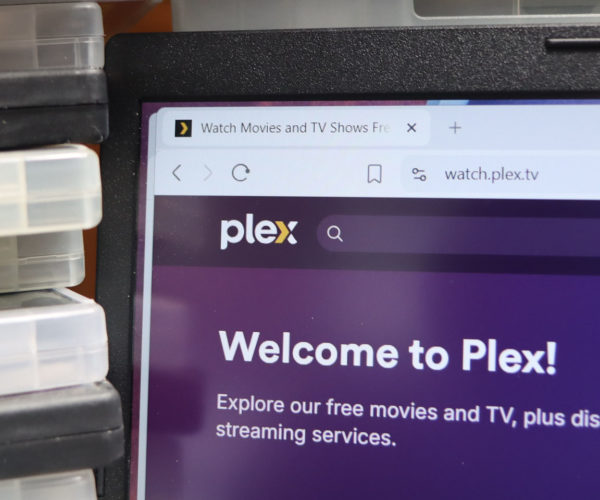
If you have spent any time looking into home media setups, you have definitely heard the name. People talk about it with a borderline religious reverence. To put it simply, Plex is the magic bridge that turns your scattered folders of digital video files into a gorgeous, fully functional streaming service that you control entirely.
So, Exactly What Is Plex?
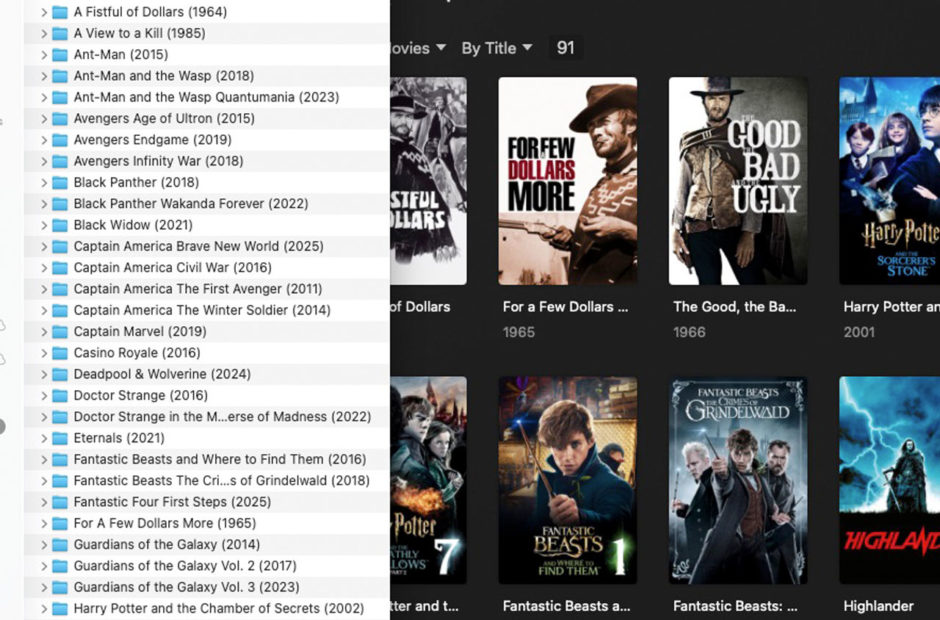
At its core, Plex is a media management platform. It is software designed to take your messy, unorganized collection of digital movies, television shows, music, and more, and present them in a clean, professional interface. It looks and feels almost exactly like Netflix, Hulu, or Disney Plus.
When you drop a movie file like “Jaws_1975_1080p.mp4” into your designated media folder, Plex goes to work. It scans the file, identifies the movie, and reaches out to the internet to download the official theatrical poster. It pulls in the background artwork, the plot summary, the cast list, and even the Rotten Tomatoes ratings. By the time you sit down on your couch to watch it, you are not looking at a boring text file. You are looking at a premium streaming experience.
The Plex Server vs. The Plex App
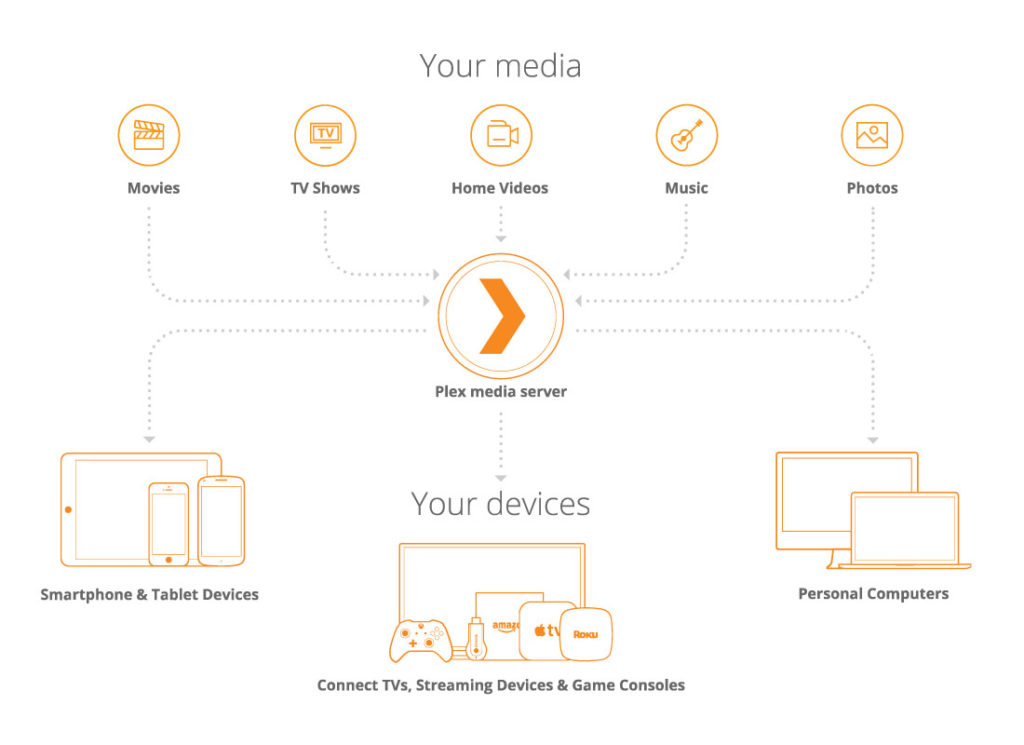
To understand how to use the software, you need to understand that Plex is actually split into two distinct pieces. You have the Plex Media Server, and you have the Plex playback apps. They work together to get the video from your hard drive to your television screen.
The Plex Media Server is the brains of the operation. This is the software you install on the computer or network-attached storage (NAS) device where all your actual video files live. This machine stays powered on, organizing your files behind the scenes and waiting for you to hit play.
The Plex App is the client you use to actually watch your stuff. You can download the Plex app on almost anything with a screen. It is available on Apple TV, Roku, Amazon Fire Stick, smart TVs, iPads, Android phones, and even video game consoles. When you open the app on your living room TV, it talks to the server sitting in your office, requests the movie, and begins playing it instantly.
Credit: Plex
How Streaming Your Own Files Actually Works
One of the biggest misconceptions about building a home media library is that you need blazing-fast internet to make it work. In reality, when you are watching movies at home, Plex relies entirely on your local Wi-Fi network.
Because the server and your television are connected to the same router, the video file never actually travels out to the open internet. It simply beams from the computer in your office directly to the Apple TV in your living room. This local connection is incredibly fast and completely unmetered. You can stream massive, uncompressed 4K Blu-ray files without ever worrying about data caps or internet buffering.
Plex does offer the ability to stream your media when you are away from home, which we will cover later in the series, but its primary superpower is flawlessly managing your local network playback.
Why Not Just Plug a Hard Drive Into the TV?
A common question from beginners is why they should bother setting up what is essentially a mini-server. Why not just copy the movies onto a USB flash drive and plug it directly into the back of the television?
While a USB drive technically works, it is a frustrating and limited experience. A basic hard drive does not remember where you paused a movie if you need to go to bed. It cannot automatically play the next episode of a television show. It does not sort your collection by genre, director, or release date. Plus, a USB drive plugged into your living room TV is completely useless to the person trying to watch a movie in the bedroom.
Plex tracks your watch history. It lets you create custom playlists and intelligent collections. It allows multiple people in your house to watch different things at the same time from the exact same library. It elevates your raw files into a true entertainment ecosystem.
Coming Up Next
Now that you know what the software does, you are probably wondering what kind of computer you need to actually run it. Good news: it requires much less processing power than you might think.
In Part 3 of our series, we are going to dive into the hardware. We will break down exactly what you need to set up a Plex server at home, whether you are repurposing an old laptop or buying a dedicated network storage device. Stay tuned.