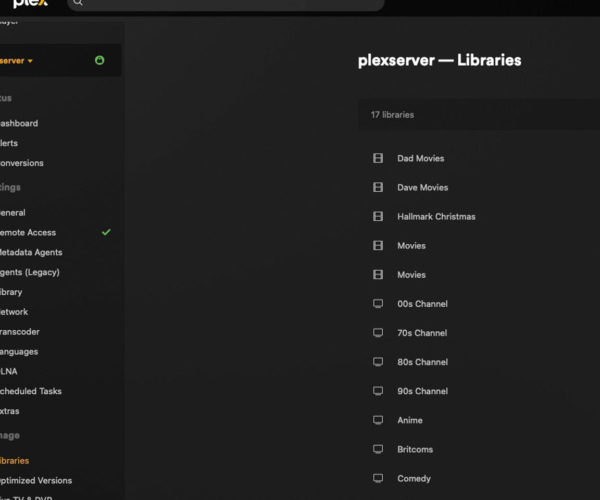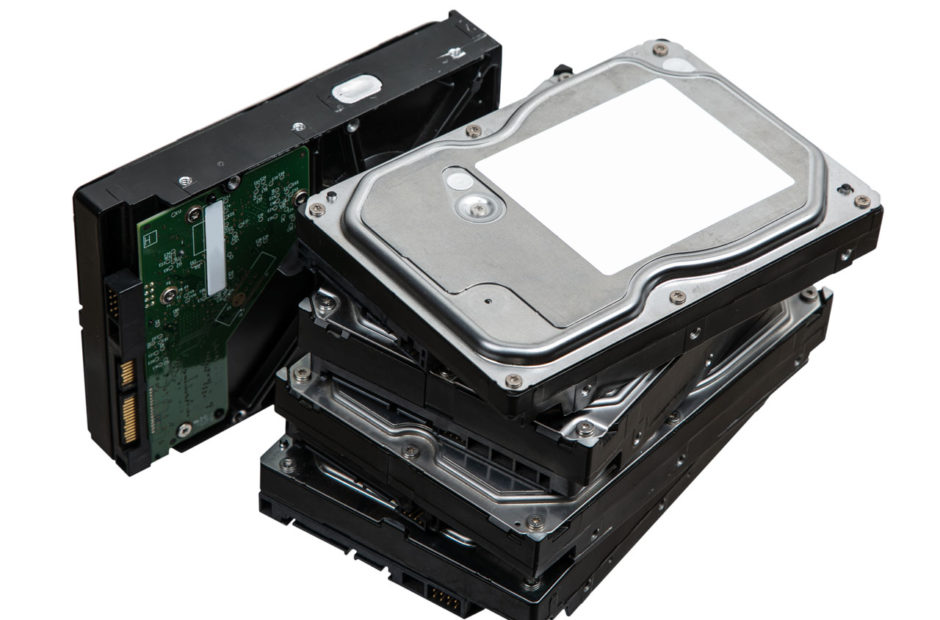
One of the most common questions beginners ask when building a home media library is simple: how much storage do you need for a Plex server? Whether you are just starting to rip a small shelf of favorite films or planning to digitize decades of physical media, estimating your storage requirements ahead of time saves you from unexpected costs and emergency hardware upgrades.
The answer depends entirely on what type of media you collect and whether you plan to compress your files or keep uncompressed original disc rips. Let us break down the exact math behind file sizes for DVDs, Blu-rays, 4K movies, television series, and music albums so you can buy the right hard drive setup from day one.
The Plex Server Series
Catch up on our complete guide to taking back your media collection and building the ultimate home streaming setup.
- Why I’m Building a Plex Server for My Movie and TV Collection
- What Is Plex and Why Would You Use It?
- What You Need to Set Up a Plex Server at Home
- How to Rip DVDs for a Plex Server
- How to Rip Blu-rays for a Plex Server
- How to Rip CDs for a Digital Music Library
- How to Organize Movies and TV Shows for Plex
- The Best Plex Settings for a Home Media Library
Movie File Sizes: DVD vs. 1080p Blu-ray vs. 4K UHD
Movies are usually the main consumers of space on any media server. Resolution and bitrates dictate how much hard drive real estate a single feature film requires.
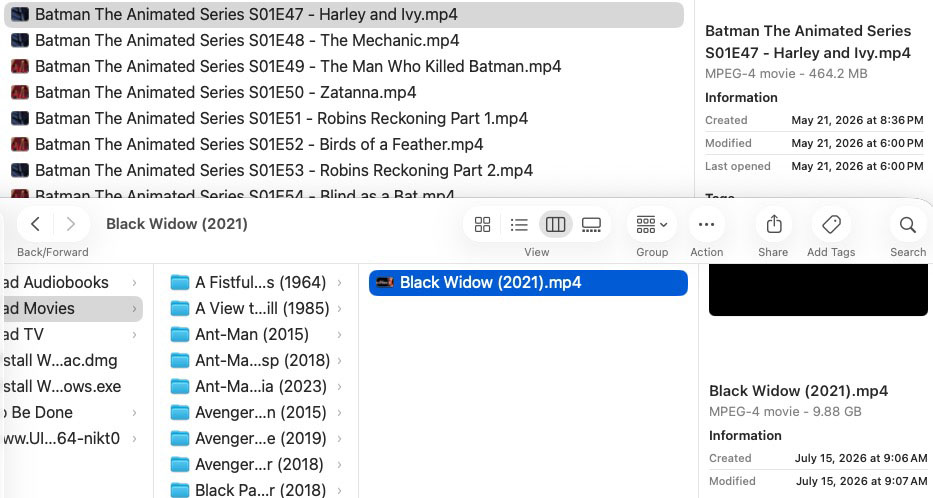
- Standard Definition DVDs: A raw DVD rip takes up roughly 4 to 7 GB of space. If you compress it using HandBrake, that size drops to around 1 to 2 GB per movie without any noticeable loss in picture quality.
- 1080p Blu-rays: A full uncompressed 1080p Blu-ray rip averages between 25 and 40 GB. Compressing that same file to a high quality MP4 or MKV container typically brings it down to 6 to 10 GB per film.
- 4K UHD Blu-rays: Ultra HD movies feature high dynamic range (HDR) and massive data bitrates. A raw 4K rip consumes anywhere from 50 to 100 GB per movie. Even compressed 4K files usually require 15 to 30 GB each.
If you aim to collect 500 1080p Blu-ray movies in compressed format, you will need approximately 4 TB of usable storage space. If you decide to store those same 500 movies in raw, uncompressed format, you will need nearly 20 TB of space.
TV Shows, Cartoons, and Anime Storage Requirements
Television series add up fast because of episode count. A single season of a drama can easily dwarf the file size of a standalone feature film.
A standard 30-minute sitcom episode in 1080p resolution takes up roughly 800 MB to 1.5 GB when compressed. A full 24-episode season will require around 20 to 35 GB. Hour-long drama series with high action or heavy visual effects generally take around 2 to 4 GB per episode, meaning a single season can demand 40 to 80 GB of drive space.
Animated series and cartoons are much more lightweight. Because animated frames compress extremely well, a full season of an animated show often takes less than 10 GB total, making cartoons one of the most space-efficient items in any media library.
Music Albums: FLAC vs. MP3
Compared to video files, digital audio requires a fraction of your overall drive capacity. If you are digitizing your CD collection into lossless FLAC format, an average album takes up around 300 to 500 MB. Standard MP3 albums take up even less, usually around 80 to 120 MB per album.
You can store thousands of lossless FLAC music albums inside a single terabyte of space. Unless you are running an immense music archive, audio storage will rarely be the bottleneck on your server.
How Much Storage Do You Need for a Plex Server overall?
To give you a realistic buying guide for your first server setup, here are three common benchmark tiers:
- Starter Library (2 TB to 4 TB): Ideal for smaller collections consisting mostly of DVDs, compressed 1080p movies, music albums, and a handful of TV shows.
- Enthusiast Library (8 TB to 16 TB): The sweet spot for most home media collectors. This capacity accommodates hundreds of 1080p Blu-rays, dozens of complete television series, music, and select 4K movies. You can research drive reliability data on sites like Backblaze to select dependable drives in this range.
- Archivist Library (32 TB and above): Necessary if you plan to keep raw, uncompressed 4K UHD Blu-ray rips and entire television series in maximum quality. Multi-bay Network Attached Storage (NAS) devices often use the Synology RAID Calculator to plan drive redundancy across multiple bays.
Wrapping Up the Journey
Calculating your storage footprint beforehand ensures you build a system that grows gracefully alongside your physical media collection. Now that you know how much storage space to buy, you are ready to reflect on the entire build process.
In Part 10, the final installment of our series, we will wrap up by sharing the biggest takeaways, lessons learned, and mistakes made while building a home Plex server from scratch.